
Chicken Run Demo: Play Free with 1,000,000 Fun Credits

This is PoggiPlay's own fun version of Chicken Run, loaded straight from the studio's server. No account and no deposit: press play in the window above and the chicken is yours.
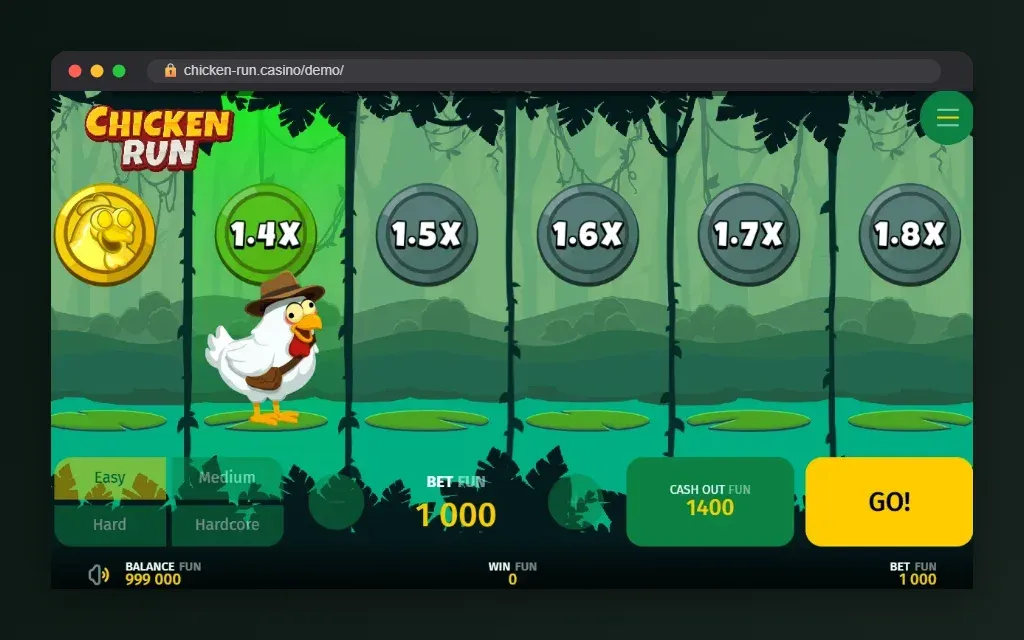
Where You Can Play the Chicken Run Demo
The window above is the quickest way in. The same fun version also opens on PoggiPlay's website and in the lobbies of many casinos, where the game tile often has a separate "demo" or "fun" button; some casinos show it only after you log in.
Whichever door you use, the demo comes from the studio's server, so the ladders and the cash-out logic match the real-money game.
How to Start the Free Demo
Three steps, the same on desktop and phone.
- Open the game window: Click PLAY DEMO FOR FREE in the demo window; the loading screen with the PoggiPlay logo takes about eight seconds.
- Pick a mode: Choose Easy, Medium, Hard or Hardcore in the bottom-left panel. The default stake is 1,000 fun credits.
- Press PLAY, then GO!: Each GO! moves the chicken one pad. Press CASH OUT to bank the amount shown, or reload the page for a fresh balance.
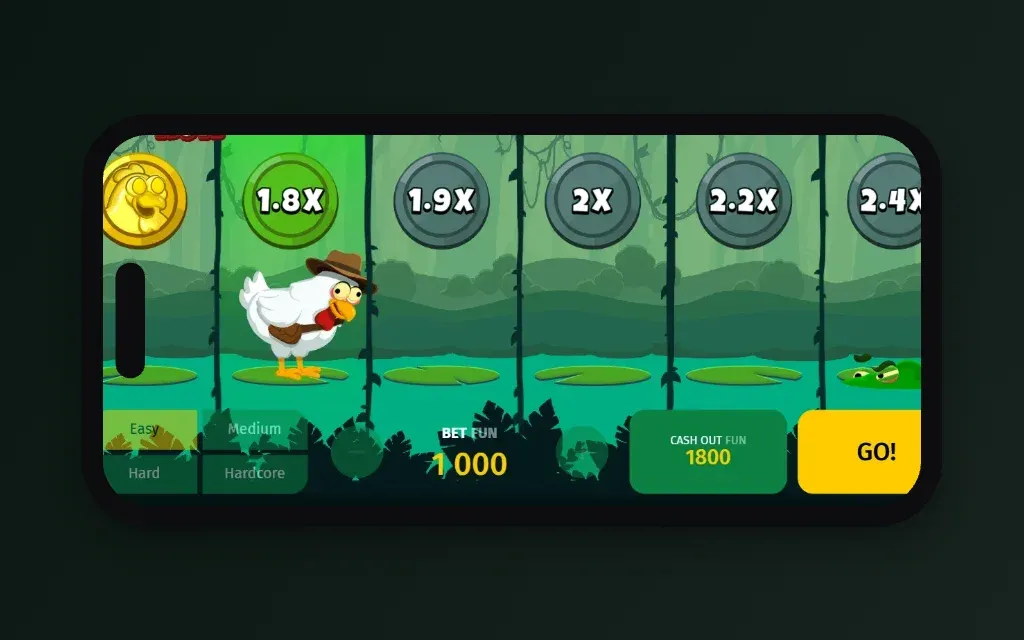
What You See on the Demo Screen
The demo screen is the real game with a FUN label next to every amount. From top to bottom:
- Live wins ticker across the top, with other players' recent wins.
- The board: coins with multipliers float over the columns, lily pads below, and the chicken starts on the bank at the left.
- Mode panel at bottom left with the four difficulty buttons.
- Stake in the centre with minus and plus, plus 1/2, 2x, MIN and MAX once a round is not running.
- PLAY / GO! in yellow and CASH OUT in green, with AUTO above PLAY; the balance, win and bet lines run along the bottom.
Demo vs Real Money: What Changes
Very little in the game itself. Three things differ:
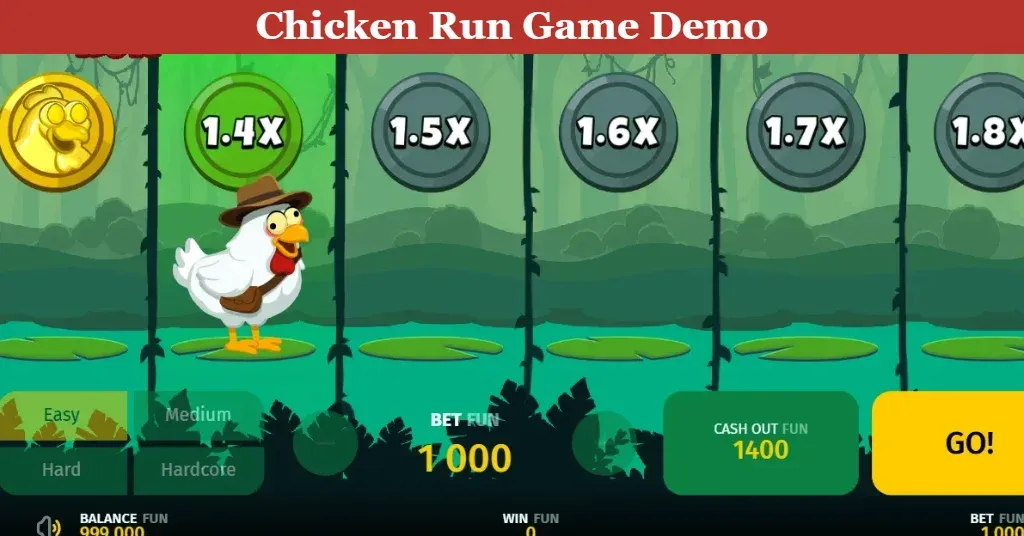
- Currency. The demo counts in fun credits starting from 1,000,000; nothing you win can be withdrawn.
- Stake range. In the demo the stake runs from 50 to 100,000 fun credits in 31 steps. At a casino the range is set in pounds by the casino and shown in the game rules.
- RTP. The demo build reports 95.00%; the figure that applies at a casino is in the game rules in its lobby.
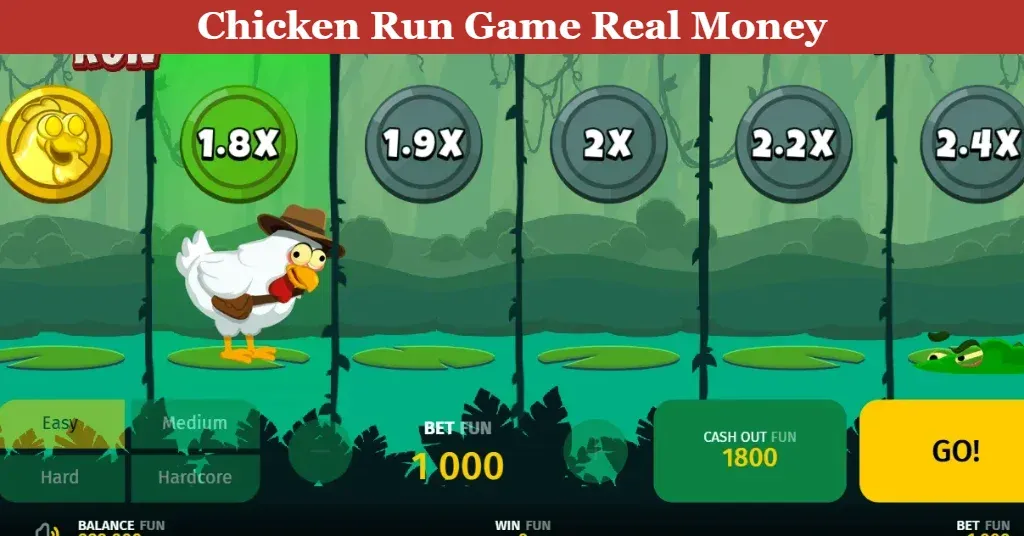
Four Demo Drills to Learn Each Ladder
Run each drill for 50 rounds and count how often you reach the target.
| Drill | Mode | Cash out at | What it shows |
| Steady walk | Easy | step 10 (2x) | How long a 2x run takes in small steps |
| Quick double | Medium | step 6 (2x) | The same target in four fewer hops |
| Short ladder | Hard | step 9 (12x) | How fast the board turns on 18 steps |
| One big hop | Hardcore | step 4 (10x) | How rare a 10x run is in ten-step mode |
Then compare your counts with our 400-round test on the home page; in that test a 2x target landed about half the time in every mode except Hardcore.
The Chicken Run Demo on Android and iPhone
The demo works in mobile Chrome and Safari without a download, upright or sideways. Upright, the board sits in the middle and the controls stack below it in large buttons. More on phones and tablets on the Chicken Run app page.
Chicken Run Demo FAQ
Do I need to register to play the Chicken Run demo?
No. The window on this page opens without an account. Some casinos show their demo only to logged-in players.
Can I win real money in the demo?
No. The demo pays in fun credits only. Real winnings need a funded account at a casino.
What happens when my demo balance runs out?
Reload the page. Each new demo session starts with a fresh 1,000,000 fun credits.
Is the demo the same game as the real one?
Yes, the modes, ladders and buttons are identical. Only the currency and the stake range differ, and the RTP figure in force is the one in your casino's game rules.
Does the demo use Auto mode too?
Yes. AUTO sits above the PLAY button, so you can test stop-on-loss and stop-on-profit settings without spending anything.

Rosie Pemberton examines bonus terms and wagering requirements with patience, comparing welcome offers across platforms to highlight genuine value.
She reads every condition in full before recommending any promotion, ensuring readers understand exactly what signing up entails.